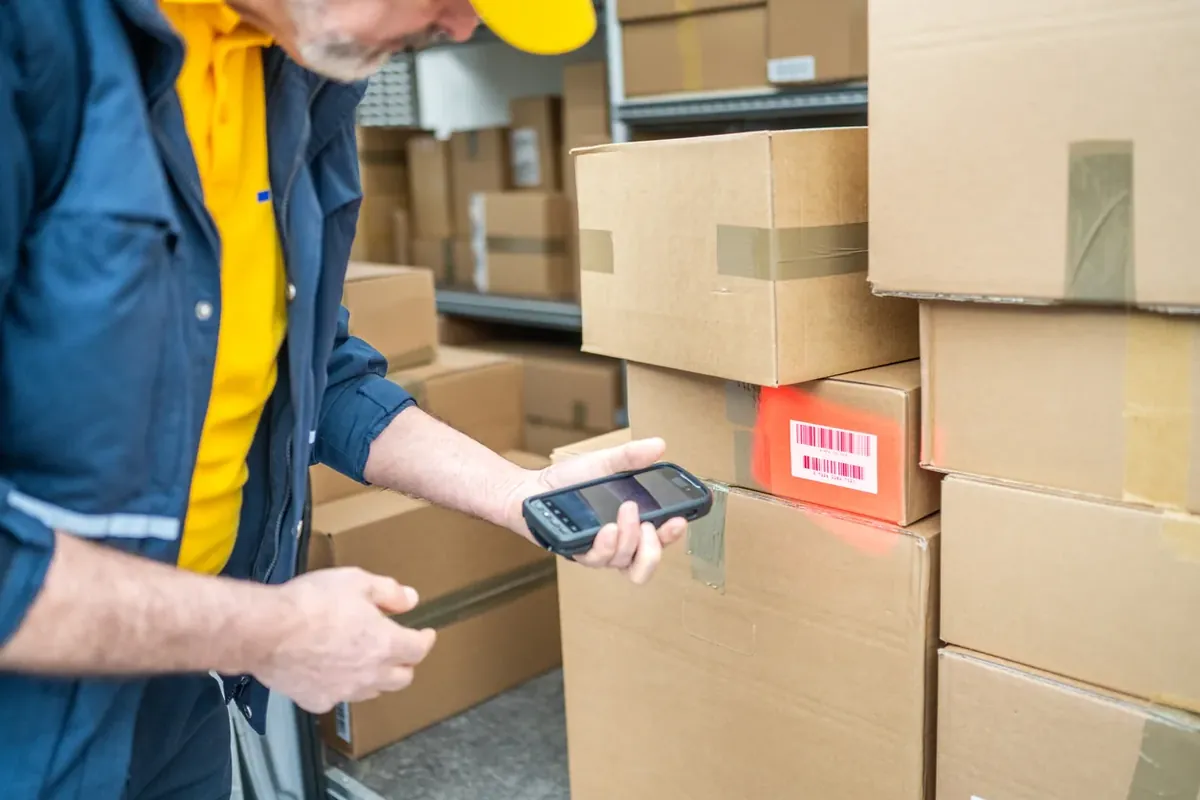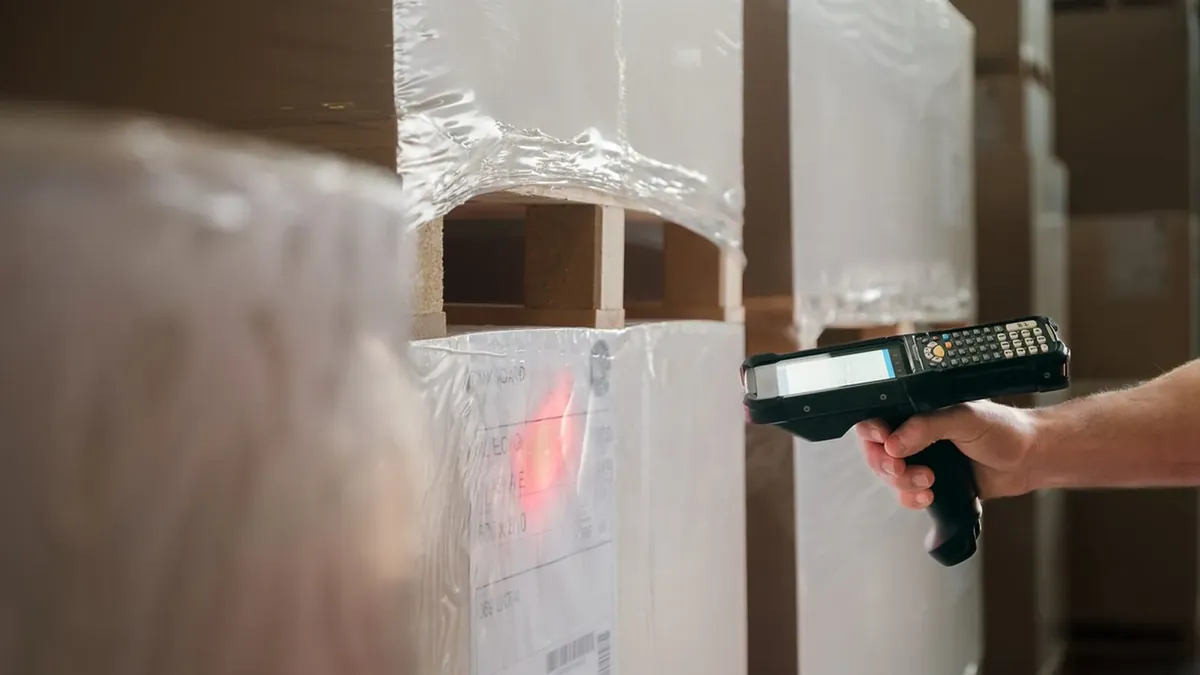
Most warehouse teams use barcodes every day without ever needing to think about them. That holds right up until the scanners start failing, or a customer asks for labels in a format you don't currently print, or someone has to sign off on replacing a fleet of handhelds. At that point the details matter, and they're not the sort of thing anyone gets taught.
Here's what a barcode is, what it does for a warehouse, and what actually differs between one scanner and another.
What a barcode is
A barcode is a machine-readable representation of a piece of data, usually an identifier. The bars or dots aren't the information. They're an encoding of a number or a short string that means something in your system, and the scanner's only job is to read that encoding accurately and hand the characters to whatever software is listening.
That distinction matters more than it sounds. A scanner doesn't know what an item is. It reads a value, and the value is useful because a record somewhere ties it to a part number, a lot, a purchase order, or a bin. The barcode is the fast, reliable way to get that value out of the physical world and into the record without anyone typing it.
The encoding rules are called symbologies, and there are a lot of them. Retail goods carry UPC and EAN codes. Shipping and case labels usually use Code 128 or GS1-128. Two-dimensional codes like QR and Data Matrix show up where there's data to carry and not much room to print it.
Why scanning replaced typing
Keyed entry is slower than scanning and it's less accurate, and both of those gaps widen as the string gets longer. A twelve-character part number is a realistic opportunity for a transposed digit every time someone types it. Scanned, it's one action, and the error modes are different: a bad read usually fails loudly rather than quietly producing a plausible wrong number.
The rest of the case is practical. Labels can be printed on paper, polyester, or metal foil, so they survive freezers, wash-downs, and outdoor yards. They're cheap enough that labeling every carton is not a budget conversation. And a scanner is one of the few pieces of warehouse equipment a new team member can learn in a single shift, because pointing it at a label and pulling a trigger is the entire user interface.
Where barcodes earn their keep
Receiving and shipping. Inbound cartons may arrive with a supplier's label, or you may apply your own at the dock. Either way, the label ties the physical carton to a receiving record that captures the item, the purchase order, the supplier, the lot or serial where you track it, and the date it landed. Once that link exists, tracing an item backward from a customer complaint is a query rather than an afternoon in a filing cabinet. Outbound, a fresh label carries your identifiers and the carrier's.
Assets and equipment. Forklifts, scanners, tooling, and returnable containers all wander. Tagging them gives you a maintenance history per unit rather than per model, and it makes an audit of what you own something you can do by walking the building with a handheld.
Inventory. This is the big one. Scanning at receipt, at putaway, at pick, and at cycle count means the on-hand number reflects what happened rather than what someone remembers. That's the difference between a reorder point you trust and one that gets overridden by whoever has the strongest opinion that morning.
1D and 2D, and why it changes what you buy
One-dimensional codes are the familiar vertical lines. They encode a modest number of characters and they need a reasonably clean, flat, unobscured surface to read.
Two-dimensional codes are square or rectangular blocks of dots. They hold far more data in far less space, and most of them include error correction, so a partially damaged or dirty code still reads. That's why they turn up on small parts, on labels that need to carry a lot number and expiry alongside the item number, and anywhere the label takes abuse.
The buying consequence is straightforward. A laser scanner reads 1D codes only. An imager reads both, and it can also read a code off a phone screen, which a laser generally can't. If there's any chance your customers will start requiring 2D labels, buying laser-only hardware is a decision you'll be revisiting.
Choosing a scanner
Check the IP rating. IP stands for Ingress Protection, and the ratings are defined by the international standard IEC 60529. The first digit covers solids and dust, the second covers water. An IP65 device is sealed against dust and will survive a low-pressure water jet, which is what you want anywhere near a wash-down area or an open dock door. Manufacturers usually publish a drop specification separately, stated as a height onto concrete, along with a tumble rating. Ask for both.
Check the temperature range if you have cold storage. Equipment that isn't specified for freezer use degrades in ways that aren't obvious at purchase. Housings and screens get brittle in sustained cold, and condensation forms inside the unit every time it comes back out to ambient, which corrodes contacts and eventually shorts something. Freezer-rated hardware exists precisely because the standard version doesn't survive that cycle. Battery performance in the cold is worth asking about at the same time.
Match the form factor to how people move. If the item comes to the scanner, a fixed or corded unit on the pack bench is fine and never needs charging. If the scanner goes to the item, you want something light, cordless, and comfortable to hold for a full shift, with a charging base that also handles the data connection. Ring scanners are worth considering where team members need both hands free.
Confirm it works with your software and your labels. This is the check people skip. Confirm the device is supported by your warehouse system, and confirm it decodes every symbology you actually handle, including the ones on inbound supplier labels rather than only the ones you print yourself. Endpoint has been connecting barcode scanning to ERP systems since 1989, and the compatibility question is still the one that decides whether a hardware purchase works out.
The short version
Barcodes are a cheap, accurate way to move an identifier from a carton into a record. Most of the value comes from having the scan happen at the moment the stock physically moves, not from any particular piece of hardware. When you do buy hardware, the four things that separate a good purchase from a regrettable one are the ingress rating, the temperature range, the form factor, and whether it reads the codes your trading partners send you.