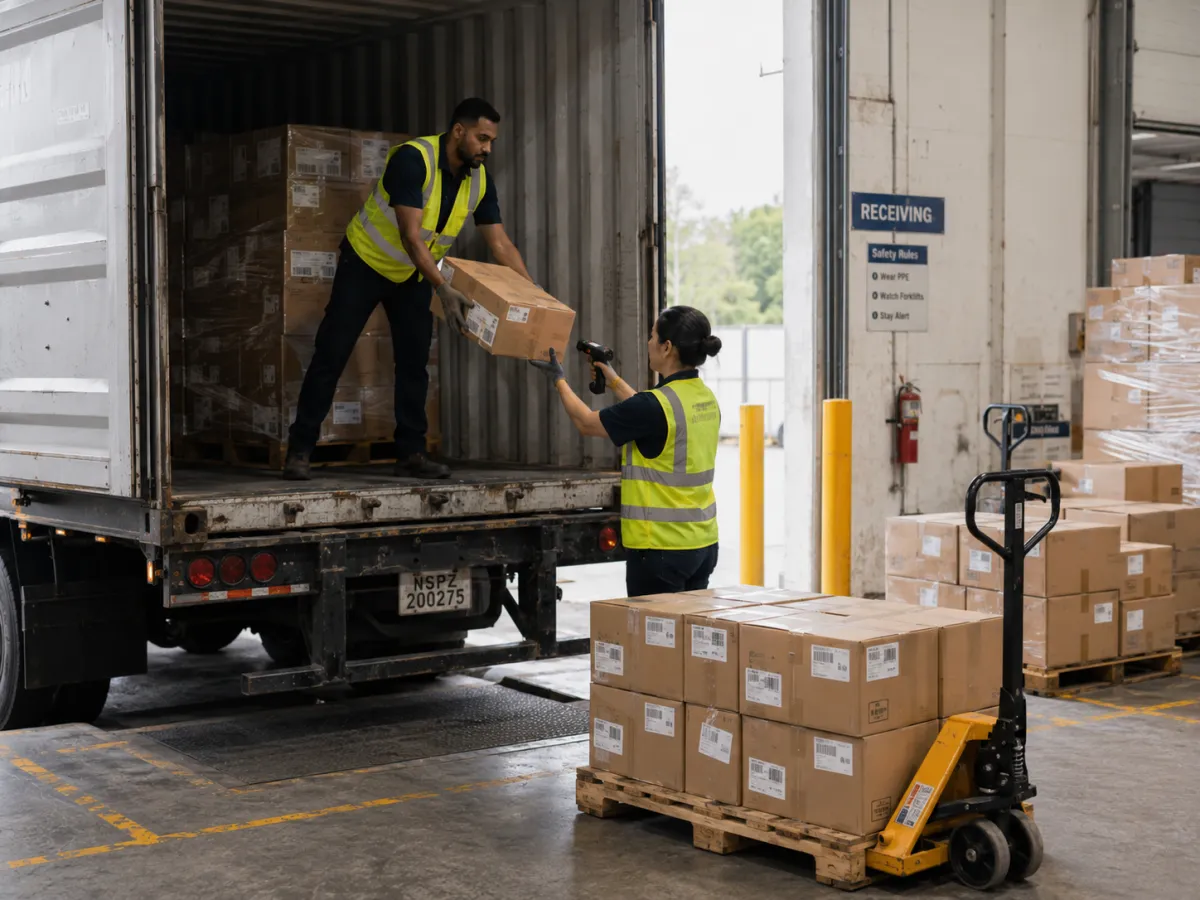
At a skincare brand that made its products through contract manufacturers, I ran inventory control and reconciled stock with our warehouse and manufacturers. The warehouse sent me a photo of a carton. Right product, a 30 mL serum we had reordered more times than I can count, but the PO on the shipping mark belonged to a different order. Their receiving team wanted to scan it in and sort it out later. I asked them to leave every carton sealed until the supplier told us whether the goods or the label was wrong. That is the part most guides to lot tracking and serial number tracking skip: a scan records whatever the label says. If the label is wrong, you now have a fast, clean, barcoded record of the wrong thing.
The goal is simple enough. When an auditor asks which customers received lot 4471, or a recall notice asks where serial number SN-88214 ended up, the answer should take minutes. Whether it does depends on what got captured the first time that lot or serial was scanned, and whether anyone checked that it was true. That is the same question behind most traceability problems in a warehouse.
What is GS1, and what does a GS1 barcode hold?
GS1 is the organization that sets the barcode standards used across retail and supply chains worldwide, including GS1-128, a barcode format built on the Code 128 symbology. A GS1-128 barcode can carry up to 48 characters of information, including batch or lot number, serial number, and expiration date alongside the item itself, which is why it shows up so often in shipping, receiving, and warehouse scanning rather than at a retail register.
That data is organized into Application Identifiers (AIs): short numeric codes that tell the software reading the scan what each part of the barcode means. The four that matter for lot and serial tracking:
| AI | Data | Format |
|---|---|---|
| 01 | GTIN (the item itself) | 14 digits |
| 10 | Batch or lot number | 1 to 20 characters |
| 17 | Expiration date | 6 digits, YYMMDD |
| 21 | Serial number | 1 to 20 characters |
Quantity can ride along too, through its own identifiers, but that is a separate topic from these four.
A GS1-128 or GS1 DataMatrix label holds one string of data, tagged by Application Identifier, that a warehouse system splits back out into item, lot, expiry, and serial number.
One scan, four data points
Without a GS1 barcode, item, lot, expiry, and serial are four separate lookups: check the SKU, read the lot off the case, find the expiry on a packing slip, key in a serial number by hand. With one, all four arrive in a single scan.
GS1-128 (linear, built for cases and pallets) and GS1 DataMatrix (2D, built for labels too small for a long linear code) both carry the same Application Identifiers. They differ in label size and scanning hardware, and a DataMatrix can hold far more data, but the structure is the same. A standard laser scanner reads a GS1-128 label the same way it reads any Code 128 barcode. A GS1 DataMatrix symbol needs an imager. The basics of how 1D and 2D barcodes differ are worth knowing before you assume your existing scanners can read both. Retail packaging is moving to 2D barcodes as well, so plan on imagers even if your suppliers' cases still carry GS1-128.
A scanner can read the label perfectly and still hand your system the wrong data. Many scanners set up in keyboard mode, where the scanner types the data into whatever field is open, drop the invisible separator between fields, and then a lot number runs straight into the serial behind it. Scan a real supplier label into your system and look at what actually landed in the lot field before you trust it.
Why regulated manufacturers feel this first
The FDA's Unique Device Identification rule requires medical devices to carry two kinds of data: a Device Identifier that names the labeler and the device model, and a Production Identifier that covers lot or batch number, serial number, expiration date, or manufacturing date. When GS1 is the labeler's chosen issuing agency, that data is encoded using the same Application Identifiers above. GS1 is one of three issuing agencies the FDA has accredited for UDI, alongside HIBCC and ICCBBA.
Outside medical devices the rules are looser, but the logic is the same. In a recall, the identifier is what lets you and your trading partners find where a product went and pull it back. If all you can say is "we shipped that item to everyone," you're calling every customer. If you can say "only these three customers got that lot," you're making three calls.
How to set up lot and serial tracking with GS1 barcodes
Set up the item before you print or receive anything. Lot or serial tracking has to be switched on for each item in the ERP before stock moves, and in the ERP I used daily, you couldn't change an item's tracking setup once it had transactions against it.
The product record behind the label has to be final too. At the skincare brand, we once had barcodes set up while a product's name and artwork were still being revised, and spent weeks afterward working out which carton matched which version. When I went through our barcode list line by line against the GS1 registry, every product had three numbers to get right: the UPC on the unit box, a GTIN-14 starting with 1 on the master case, and one starting with 2 on the master shipper. Scan a master case as a single unit, and your count is off by the case pack, which for some of our items was 60.
Capture the full barcode at receiving, not just the GTIN. If your scanner or your system only reads the item identifier and ignores the rest of the string, you've thrown away the lot, expiry, and serial data before the product ever reaches a shelf or a bin.
Capture the full barcode, but don't trust it blindly. The cartons I mentioned at the top had a perfectly scannable label with the wrong PO on it. What saved us was boring: photos first, cartons sealed, then received under the PO the supplier confirmed. If your receiving process has no "hold and check" lane, the scanner will turn a supplier's labeling mistake into your inventory record.
Carry the identifiers through putaway and every move. If you know the lot but not where it's sitting, you'll still be walking the aisles when you need it. The record has to follow the product from receiving dock to bin to the next move, not just exist at the two ends.
Print GS1-compliant labels for anything that leaves as its own unit. If you're relabeling, repacking, or creating your own lots and serials on the way out, the outbound label needs the same Application Identifiers a partner or customer would expect to scan back in. Lot and serial values change with every unit, so the label should pull them from the system rather than from someone typing them into a template. That is the first thing to check when choosing label printing software.
Scan out, don't key out, at picking and shipping. Once a lot or serial gets typed in by hand instead of scanned, the record is only as reliable as whoever typed it. There will always be exceptions, like a damaged label or a supplier who didn't barcode the lot at all. Decide ahead of time who is allowed to key a lot in by hand and who checks it, instead of leaving it to whoever is on shift.
Make the identifiers queryable, not just recorded. Capturing the data is half the job. The other half is being able to ask "where did lot 4471 go" or "which lot did serial number SN-88214 come from" and get an answer in minutes, not a multi-system search.
What this looks like in a recall or an audit
With lot and serial data captured this way, an auditor's sample request or a recall notice becomes a query against records that already exist, instead of a project to reconstruct them.
In practice, the lookup only works if every place your stock sits records a lot number. One contract manufacturer we worked with tracked only the artwork version, with no batch or SKU. When we needed to match their stock to our lots, there was nothing to search on, so we did it by hand, the oldest version first. Our own scans were clean, and it didn't help. If a partner can't hand you a lot number, your traceability stops at their door.
For food, the FDA's Food Traceability Rule (FSMA 204) requires traceability lot codes and key data elements, but it doesn't require GS1 barcodes or any other specific technology. Whether it's a regulator or a customer asking, the work is the same: pull the records you already have. That only works if they were right when they went in.
How to evaluate a system for GS1 lot and serial tracking
A short list of questions to ask before you assume a system handles GS1 barcodes correctly:
- Does it read the full GS1-128 or GS1 DataMatrix string, or only the GTIN portion?
- Does it split the Application Identifiers into item, lot, expiry, and serial automatically, or does someone have to key the rest in after the scan?
- Can it answer "where did this lot go" or "which lot did this serial come from" without a manual search across systems?
- Does it work with the 2D-capable scanners your floor already uses, or does it require new hardware?
- Does it keep the separator between fields, so a lot number doesn't run into the serial behind it? Test it with a real supplier label, not the vendor's demo label.
- What happens when a supplier's label isn't GS1 at all, or the lot is printed but not in the barcode? Can receiving print your own label on the spot?
If a plant manager asked me where to start, I wouldn't say scanners. I'd say pick one lot you shipped last month, start a timer, and try to list every customer who received it. If it takes more than an hour, the problem probably isn't the barcode. It's the write-off nobody posted, the item that got set up before its name was final, or the partner who sends a spreadsheet with no lot column. Fix those first. Then scan everything, key nothing in by hand unless someone checks it, and hold anything whose label doesn't match the paperwork.
Endpoint Cloud captures lot and serial identifiers as a byproduct of the scan, from receipt to shipment. If you'd rather see it than read about it, book a demo.